
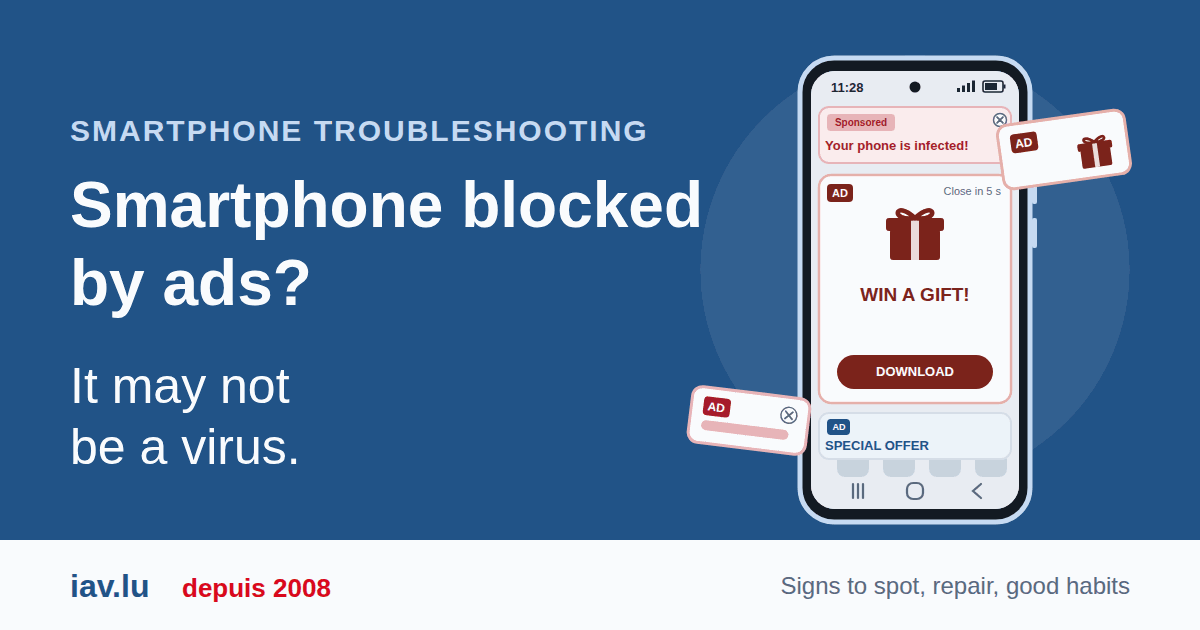
Is your smartphone from Samsung blocked by ads? It may not be a virus.
One of our clients had a smartphone from Samsung that had become unusable, blocked by ads. Its usual home screen had disappeared: in its place, another screen showed nothing but advertising and stopped him from doing what he normally did with his phone. He had been to POST Luxembourg, where he was told that nothing could be done for him.
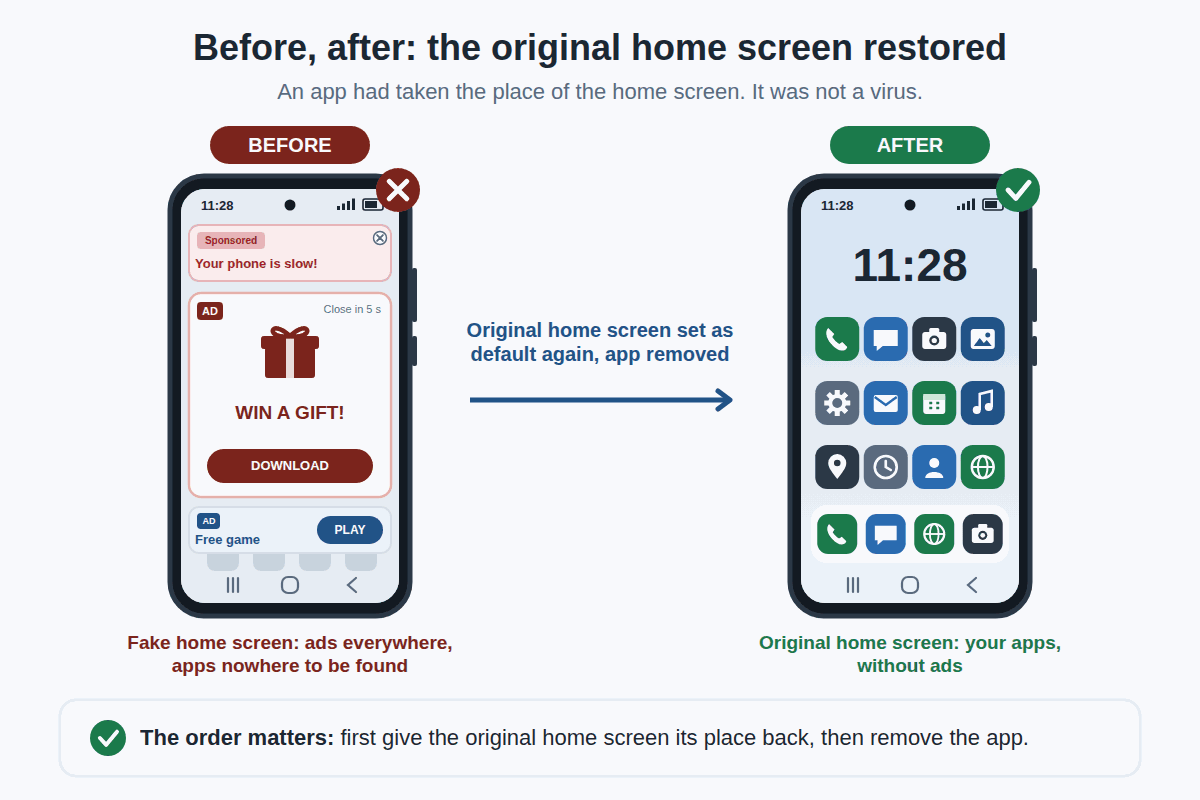
The problem was solved on the spot. It was not a virus: an app installed by mistake had taken the place of the home screen. Here is how this kind of app gets installed, how to recognise it and how to get rid of it.
What happened: an app that pretends to be the home screen
On an Android phone, the home screen (what many people call the desktop) is itself an app. It is called a “launcher”: it displays your icons, your wallpaper and your shortcuts. A smartphone from Samsung comes with its own, installed at the factory.
Android lets you choose another one, which is fine if you want to change the look of your phone. But some apps abuse this option. Presented as a theme, a “cleaner”, a booster or a torch, they ask to become the default home screen. A window asks which app to use, you accept without paying attention, and they take over.
From then on, every return to the home screen leads to their screen instead of yours. That screen is mainly there to display ads, often full screen. Your apps are still on the phone, but you can no longer find them, or you first have to close an ad to reach them.
So it is not a virus in the strict sense: the app was installed, then accepted as the home screen. That is rather good news, because it can be stripped of that role and removed, without changing phones.
How to recognise a fake home screen
The signs that should alert you:
- The home button no longer takes you back to your usual screen: the icons, the wallpaper or their layout have changed.
- Full-screen ads appear when you unlock the phone or return to the home screen, even without opening any app.
- An unknown app has appeared, with a vague name (“cleaner”, “booster”, “theme”, “home”), sometimes without a visible icon.
- The phone asked you to choose an app for the home screen, when you had not asked for anything.
- Your usual apps cannot be found, or an ad appears before each of them.
- The phone slows down, or the battery drains faster than before.
- The app in question refuses to uninstall.
Careful: ads popping up everywhere can also come from something else, for example notifications from a website accepted by mistake. The diagnosis is precisely about finding the real cause before touching anything.
How we fixed it
For this client, everything was sorted out on the spot. The principle is simple, but the order matters:
- Give the real home screen its place back. In the settings, the original home screen is set as the default again. The phone gets its icons and wallpaper back, and can be used again.
- Find the app responsible. In the list of installed apps, we look for the one that declared itself as the home screen, and check what was installed at the same time.
- Remove it. Once it has lost its place, it uninstalls like any other app. If it has given itself special rights to resist, those are taken away first.
- Check. No more ads when unlocking or on the home screen: the phone works normally again.
What about a full factory reset of the phone, often recommended in this situation? It also erases the photos, messages and settings that are not backed up elsewhere. It is only a last resort, when an app resists everything else.
Good habits so that it does not happen
- Install your apps only from the phone’s official app store, never from a link received by message or from an ad.
- Be wary of alerts such as “Your phone is infected” or “Battery damaged” that appear while you are browsing: they are ads. Close the page and do not install anything.
- A torch, a wallpaper or a game has no reason to become your home screen. If the phone asks you to choose a home app without you wanting to, keep the original one.
- Look at the permissions requested. An app that wants to display over other apps or administer the device needs a very good reason to do so.
- Refuse notifications from websites you do not know: they are often used to push ads.
- Give “cleaner” or “booster” apps a miss: the phone does very well without them.
- Install the phone’s updates, and from time to time remove the apps you no longer use.
Is your smartphone from Samsung blocked by ads?
Unknown home screen, full-screen ads, apps you can no longer find: do not reset anything at random, and do not install the “antivirus” offered by an ad. Describe what you see via the contact form, and we will get back to you. Our rates are listed on the prices page.
IAV S.à r.l. - depuis 2008 - iav.lu