
QuickLook: a quick look at your files
QuickLook: view your files instantly
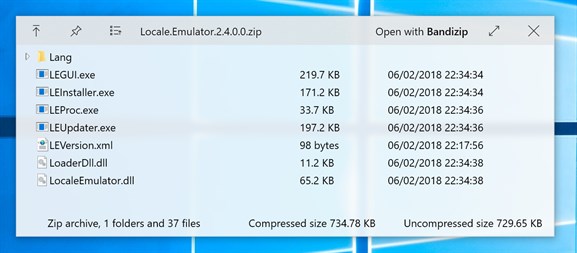
QuickLook is a free Windows app that opens an instant preview of your files when you simply press the Space bar. Inspired by the built-in macOS feature, it gives you quick access to the contents of your files without having to open them in their own program.

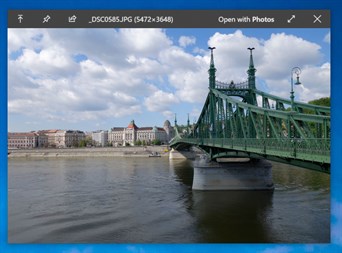
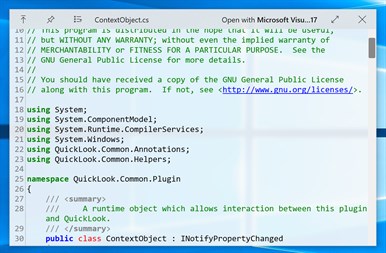
How does QuickLook work?
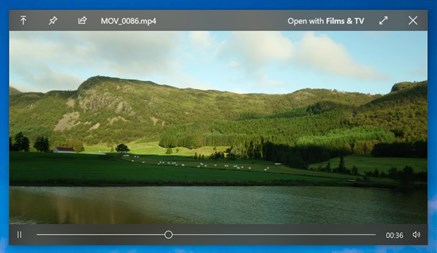
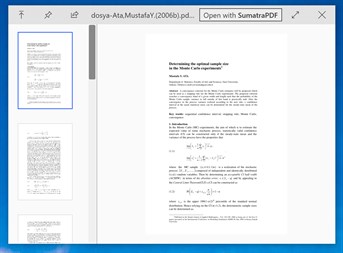
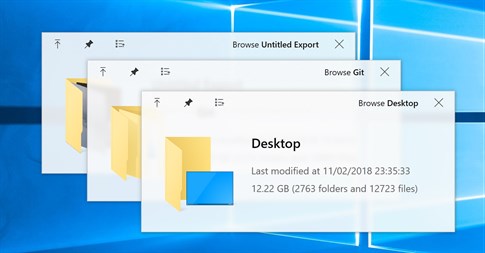
When you select a file in Windows File Explorer, a single press of the Space bar gives you an immediate preview of its contents. Whether it is an image, a document, a video or even an audio file, QuickLook displays a fast, clear preview window.
Here are a few useful shortcuts:
- Space bar: open/close the preview.
- Esc: close the preview.
- Enter: open the file in its default program.
- Ctrl + mouse wheel: zoom in on images or documents.
- Mouse wheel: adjust the volume of audio/video files.
Why use QuickLook?
1. A huge time saver: no more waiting long seconds for a file to open in a heavy application. With QuickLook, you get an instant overview.
2. Easy to use: no complicated set-up, you just press one key to preview any type of file.
3. Handy for all kinds of files: whether you want to check an image, read a PDF document or listen to an audio clip, QuickLook lets you view everything effortlessly.
Conclusion
QuickLook is the ideal tool for anyone who wants to optimise their workflow by getting to their files quickly, without having to open each program individually. Free and lightweight, it makes the Windows user experience simpler.
Note: QuickLook is not compatible with Windows 10 S devices.
Is your PC slow even to open a file?
If Windows File Explorer is still slow despite QuickLook, the disk or the system may need a clean-up. Our guide to clearing your traces on Windows shows you the built-in tools. IAV also provides computer repair and support in Luxembourg: describe your problem to us using the contact form.
IAV S.à r.l. - depuis 2008 - iav.lu
sources: https://apps.microsoft.com/detail/9nv4bs3l1h4s?hl=fr-fr&gl=LU